Assigning reviewers
A review is automatically assigned to the reviewer that selects Begin extraction or Send to consensus first within the study.
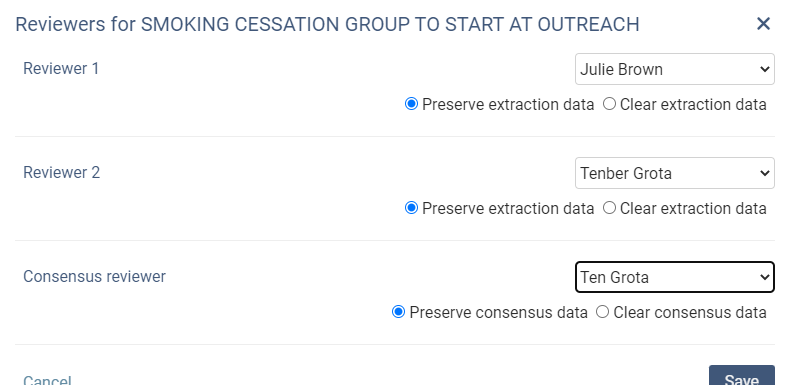
If a reviewer has started data extraction or consensus you can now re-assign the study to someone else on your reviewing team with the new “Manage reviewers” option. When re-assigning a reviewer, you can choose to:
Preserve form data
Clear form data