Logo

What can we help you with today?

Get help straight from our team...

How to exclude a study at the data extraction stage

General Data Extraction

How to exclude a study at the data extraction stage

Last updated on 16 Aug, 2026

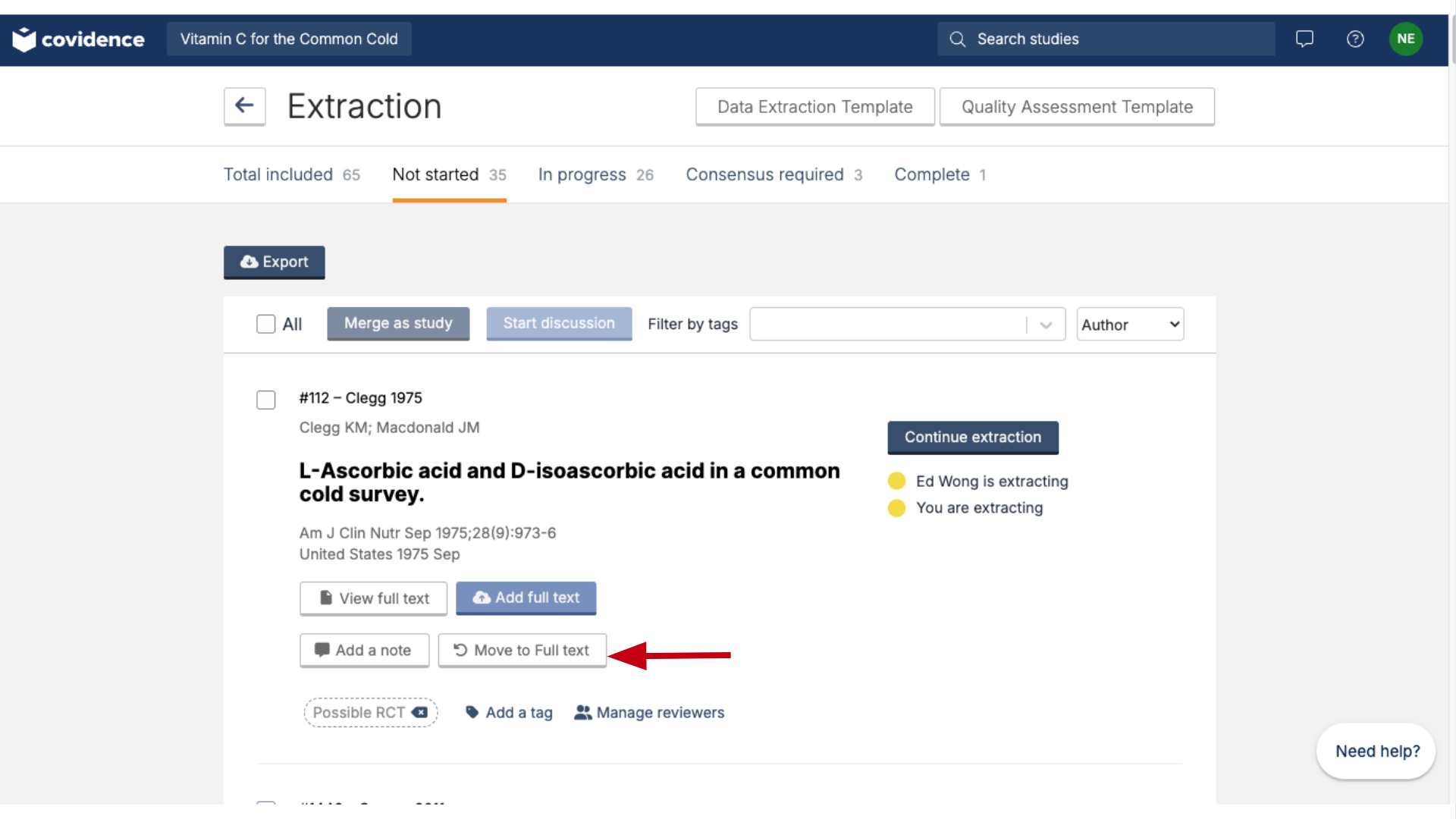
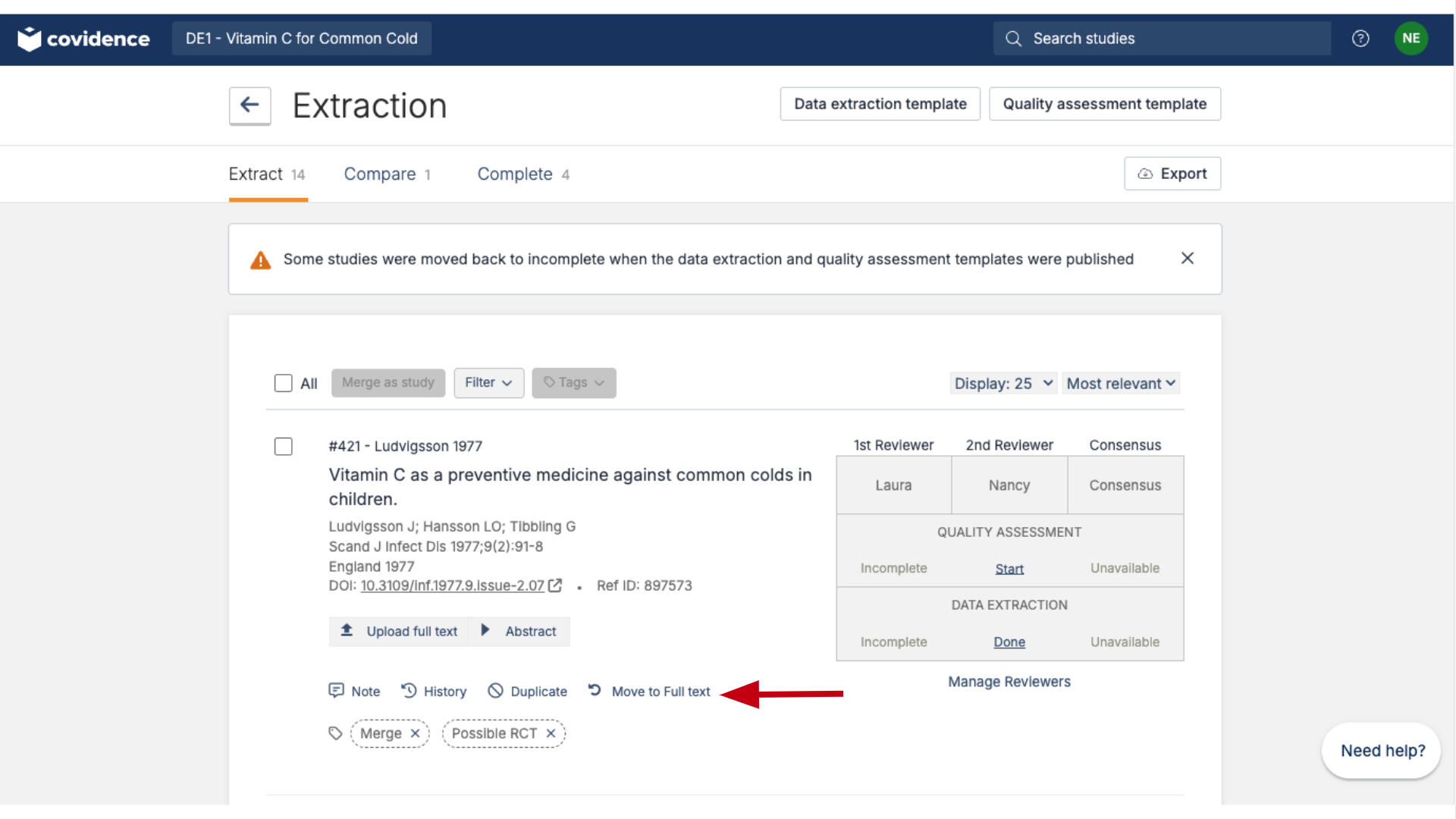
To exclude a study that has already made it to the included list at the data extraction stage, you can use the 'Move to full text' button below the relevant study. This returns it to the full-text screening stage, where you can vote to exclude it. 

In Extraction 1:
Image

In Extraction 2:

Image

Did you find this article helpful?
Previous

Re-use a data extraction template from another review

Next