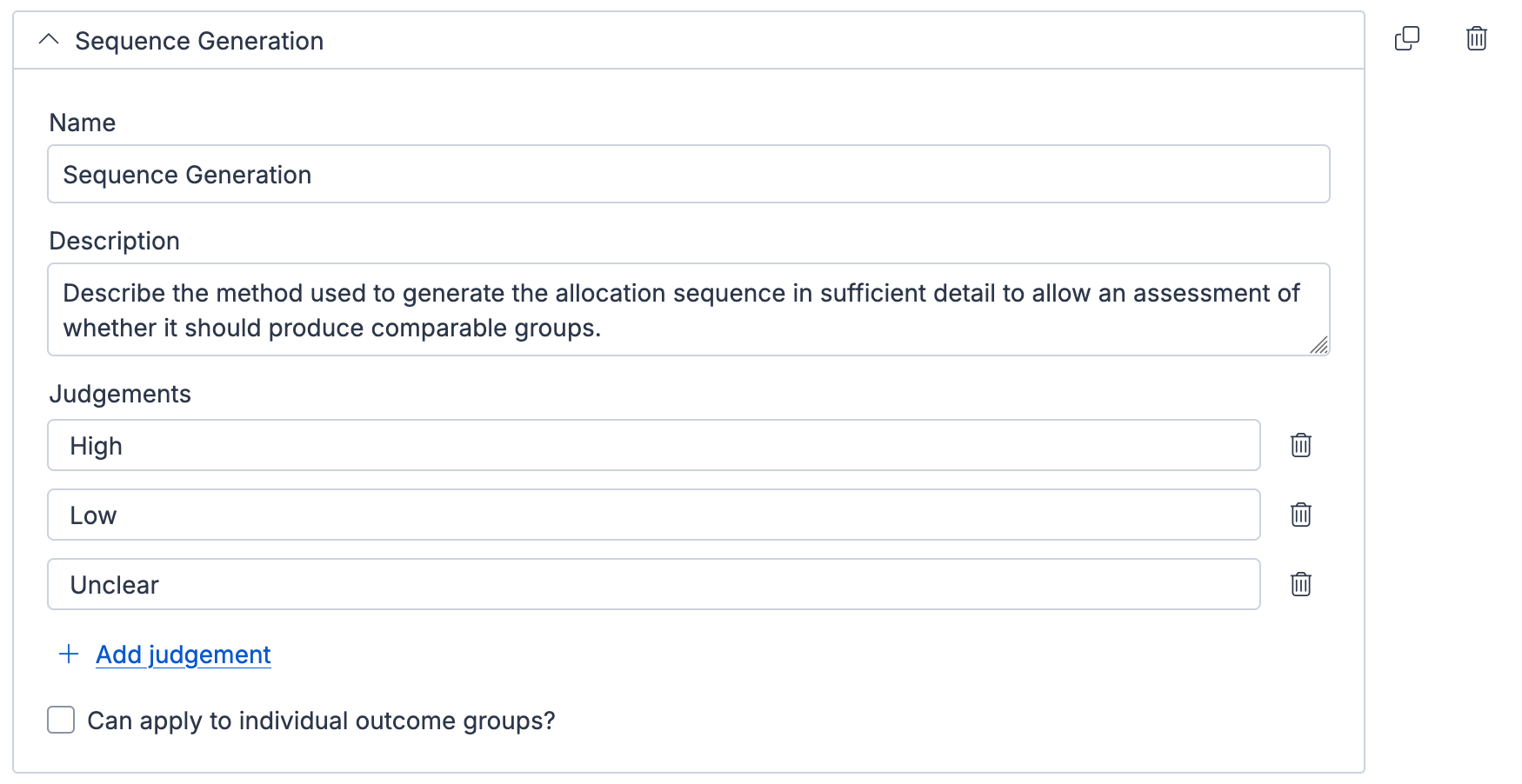
Within the domains section of the template you can add, edit, or delete domains in both the Cochrane RoB1 template and the custom template.
By expanding a domain, you can change its name and description, which will appear when assessing the quality of a study.
Judgements
By default, judgements for each domain are set to Low, High, and Unclear (the standard Risk of Bias 1 options). However you can add new judgements and edit the existing ones to match the tool you are using.
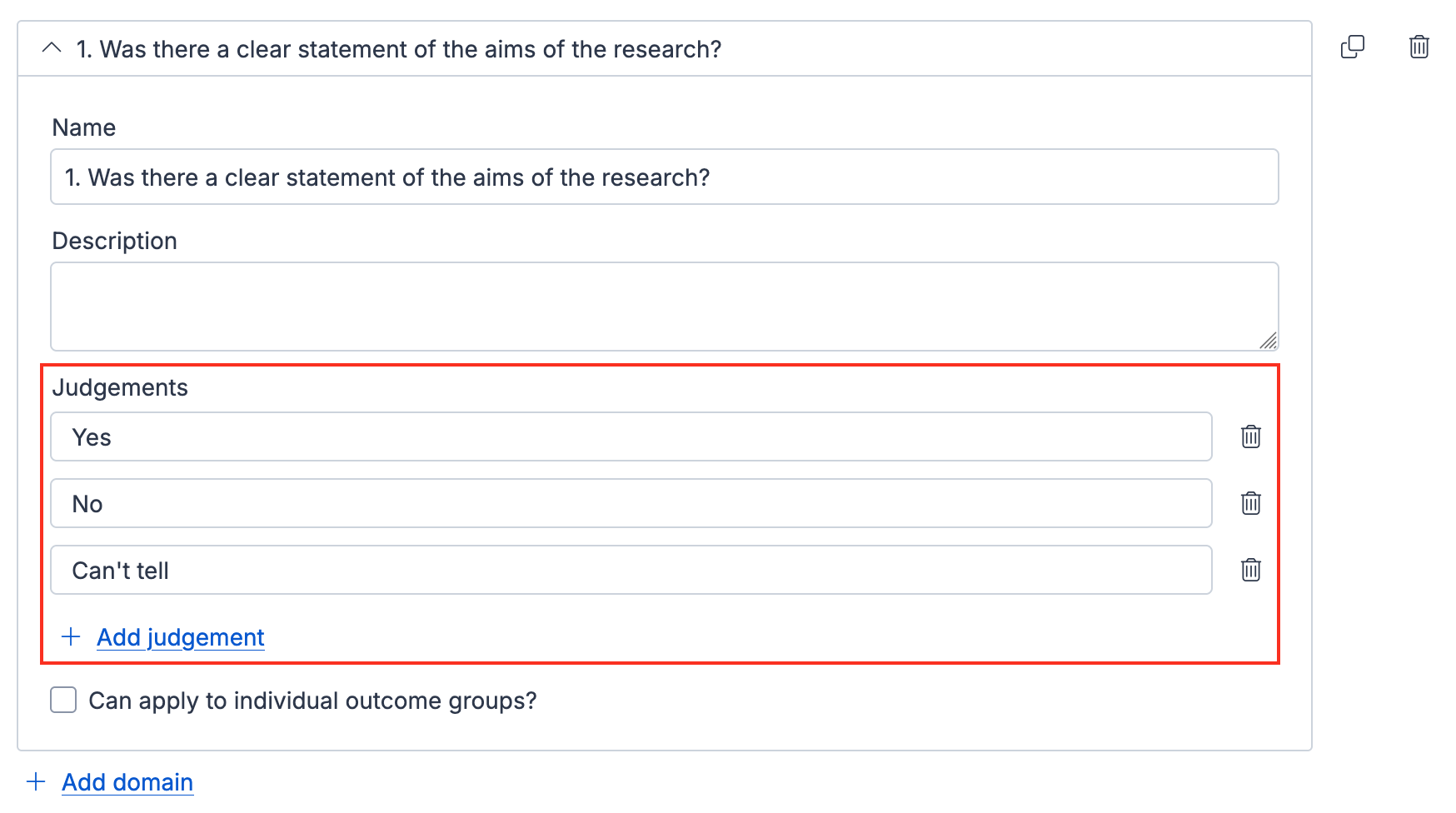
Custom judgements will appear in the extraction form, the consensus step, and in the exports.
Note: RevMan exports still require the standard Risk of Bias 1 judgements ("Low / High / Unclear"). If you plan to export to RevMan, leave the default judgements in place.
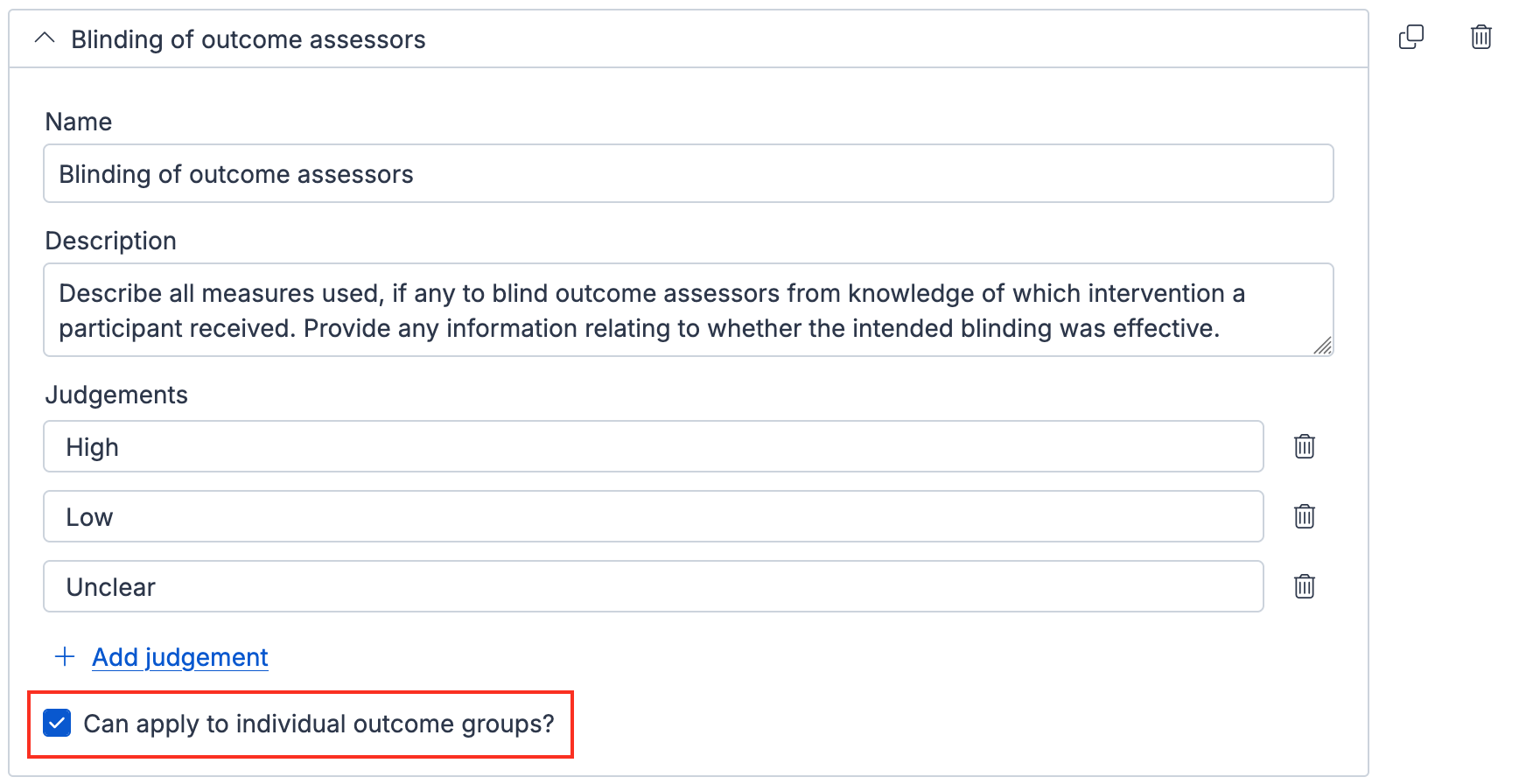
Applying a domain to outcome groups
For each domain, you can decide if judgement can be made for each outcome group you’ve added to the quality assessment template.
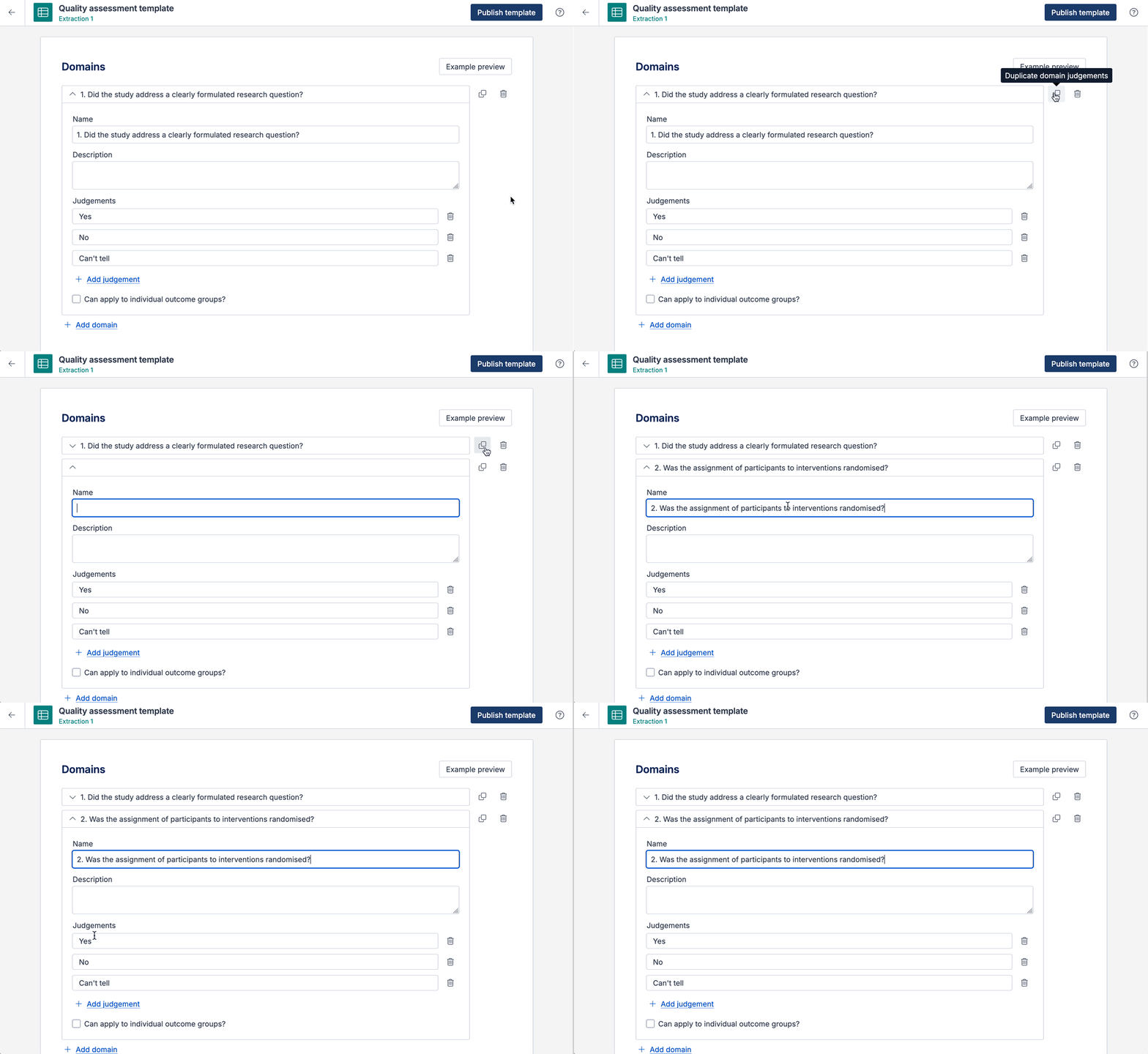
Duplicate a domain
If you need several similar domains, you can duplicate a domain instead of adding each one manually. The duplicate button appears on the right of the domain section.
This is particularly useful when setting up tools that have the same judgments across all domains, for example CASP Checklist: