

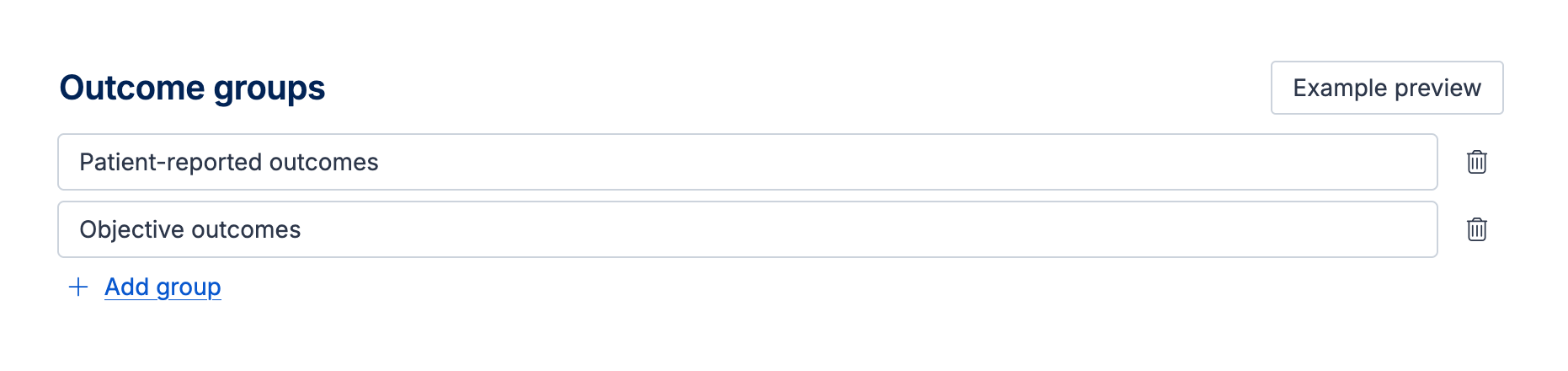
Outcome groups can be defined on the quality assessment template. You can create categories using the ‘Add group’ button.
When extracting data or completing quality assessment for a study you can use outcome groups in the following ways:
To categorize outcomes reported in a study into outcome groups to help with analysis. Outcomes for a study can only be assigned to one outcome group, so groups should be defined in a way that are mutually exclusive.
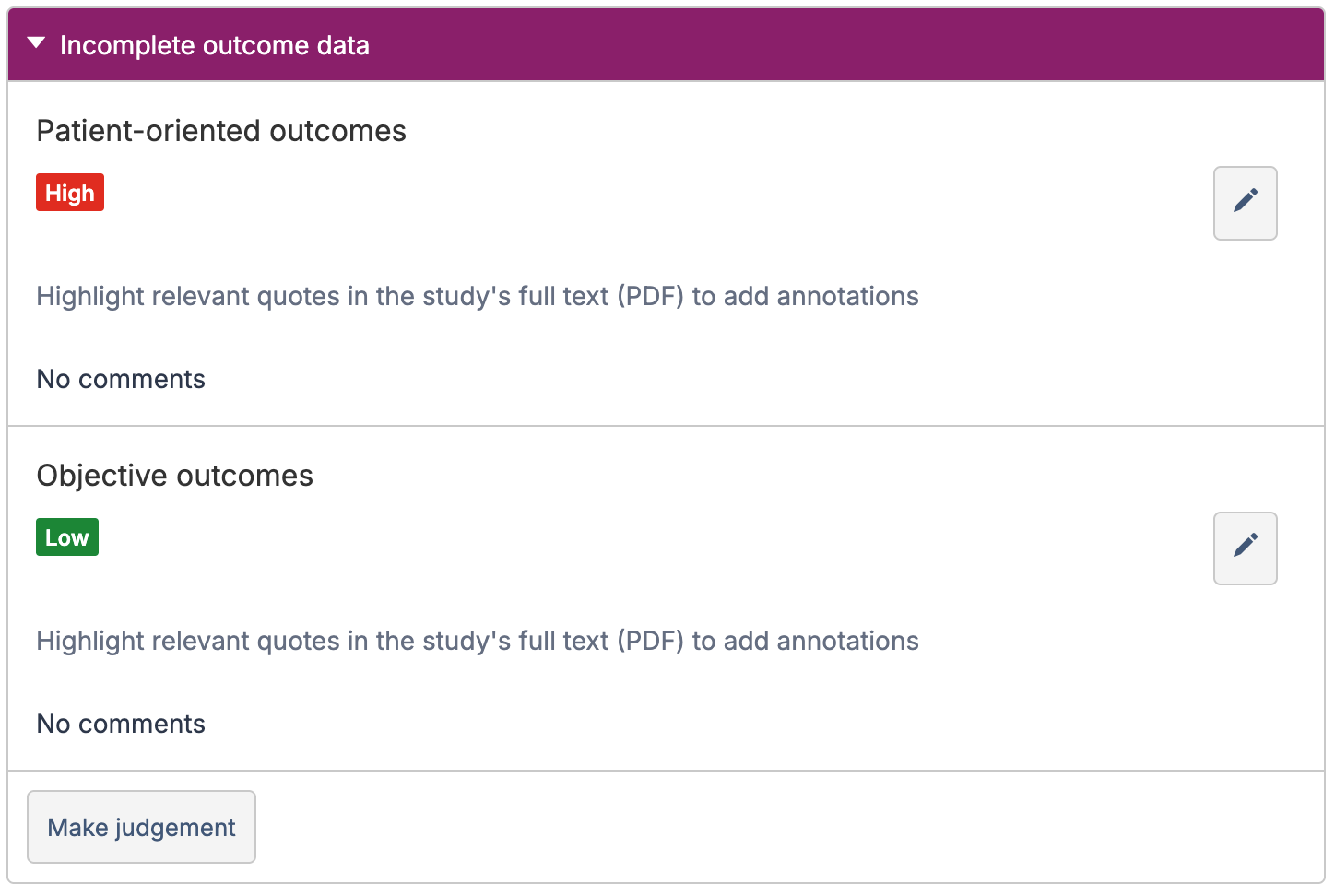
To assess the quality of each outcome group independently instead of the study as a whole. This allows you to define a judgement per outcome group for a domain.
Examples of ways outcome groups can be used are given below:
Groups for analysis - to label the outcome by important factors that will help to organise data and plan the analysis.
Type of synthesis (e.g. quantitative synthesis, narrative synthesis)
Severity subgroup (e.g. severe, mild to moderate, mixed population)
Age of population (e.g. children, adults, mixed age)
Type of study (e.g. cluster studies, individually randomised studies)
Comparison type (e.g. active controls, placebo controlled)
Groups for quality assessment - to define categories of outcome that are expected to have different risks of bias.
Patient-reported outcomes (such as quality of life, symptoms) and Objective outcomes (mortality, hospital admissions)