Access provided by the Treadwell Virtual Library

Systematic review support
Treadwell librarians can assist with planning, conducting and reporting systematic reviews. To learn more, visit our Systematic Review Resources & Services website. Additionally, the website includes links to online resources that provide guidance on systematic review best practices.
If you have questions about library services or resources, contact library staff via Ask Us!
How to join the MGH Treadwell account
Go to this page.
Enter your information and click "Request Invitation."
*Enter your mgh.harvard.edu or mghihp.edu e-mail address, not your partners.org or mgb.org e-mail address.*Accept the invitation via your email.
How to join the Brigham & Women's Hospital account
Go to this page.
Enter your information and click "Request Invitation."
*Enter your bwh.harvard.edu e-mail address, not your partners.org or mgb.org e-mail address.*Accept the invitation via your email.
Creating a review under either organizational account
When creating a new review, you'll have the option to use your personal account, or the organizational account. Choose MGH Treadwell or Brigham & Women’s Hospital (whichever is applicable to you) and then click Create Review.
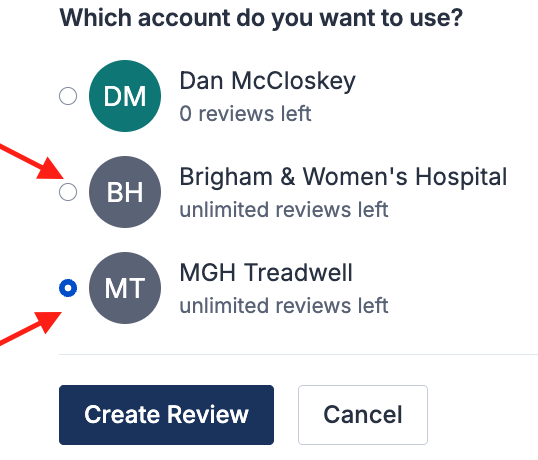
Once created, the review will appear in the MGH Treadwell or Brigham & Women’s Hospital section of your account homepage:
Getting started with Covidence
Covidence offers short video tutorials in their Knowledge Base to help you get started. See Getting Started with Covidence and Main steps in Covidence.
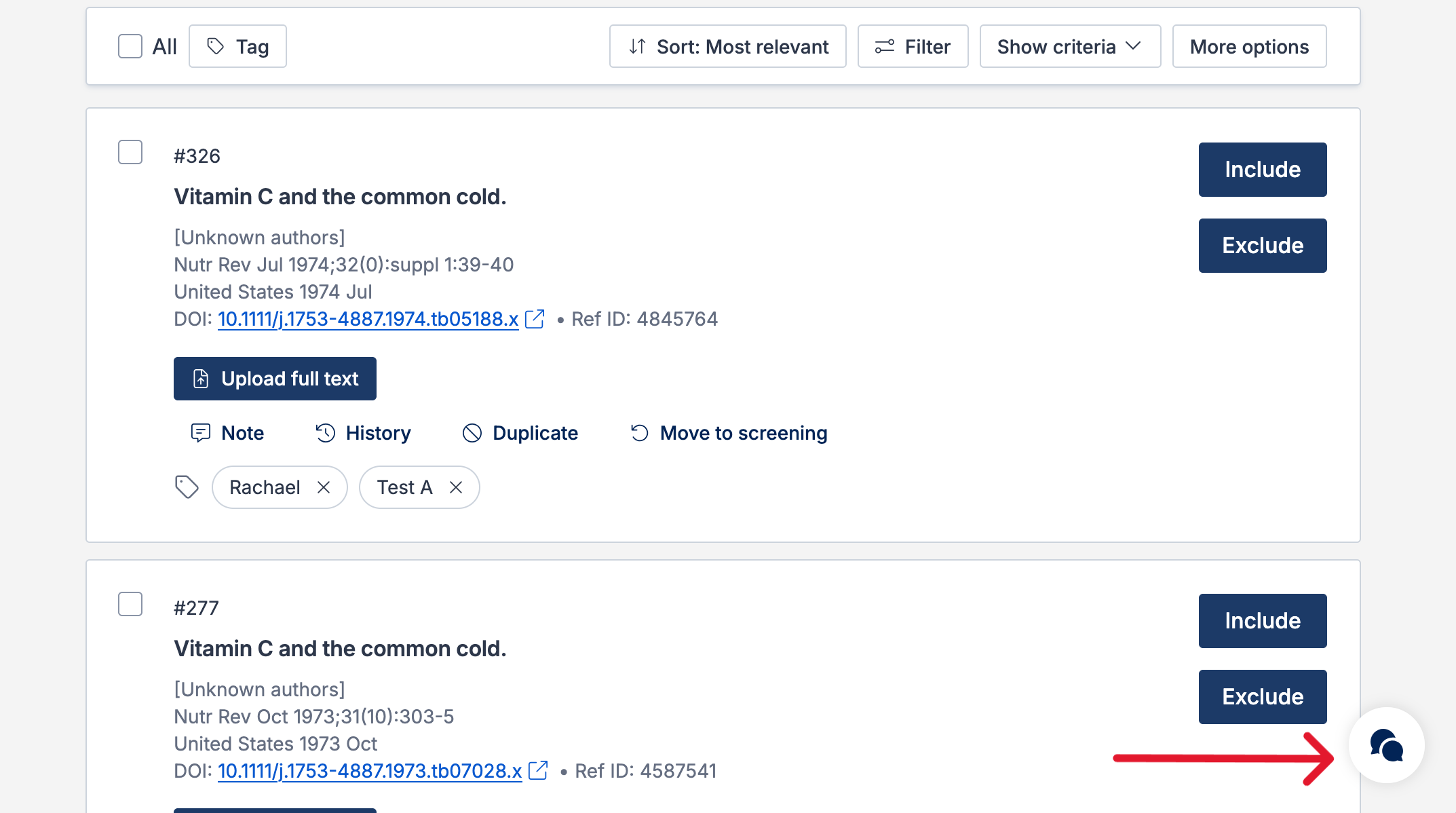
When logged into your account, you can also easily contact the Support Team and the comprehensive articles from our Knowledge Base within Covidence by clicking the chat bubble button in the lower right-hand corner of the screen.